
How It Works
This is a purely practical, guided-practice approach, not video lessons or reading material as the primary mode. Each module walks through the same three steps: a guided lesson, hands-on practice, and a practical exam.
- Guided lesson: step-by-step instruction, starting from fundamentals as granular as the difference between a single click and a double click.
- Hands-on practice: you perform the same action yourself inside a simulated desktop or application, with immediate right/wrong feedback, guided until you get it right. Practice mode is free and unlimited, so redo any exercise as many times as you want.
- Practical exam: a task-based, automatically marked exam once you're ready, not multiple choice.
Build and test your practical ICT skills before your official exams. Completed modules earn a Certificate of Completion / Skill Badge. This is skill-building and self-assessment, not a certification or formal qualification.
Every module, including "Keyboard & Touch-Typing Mastery" and "Computer, Mouse & Desktop Mastery," each a full multi-level course with real simulated practice, has its first few levels free to try, with deeper levels unlocked per module. More modules are being added over time, not a finished full curriculum yet.
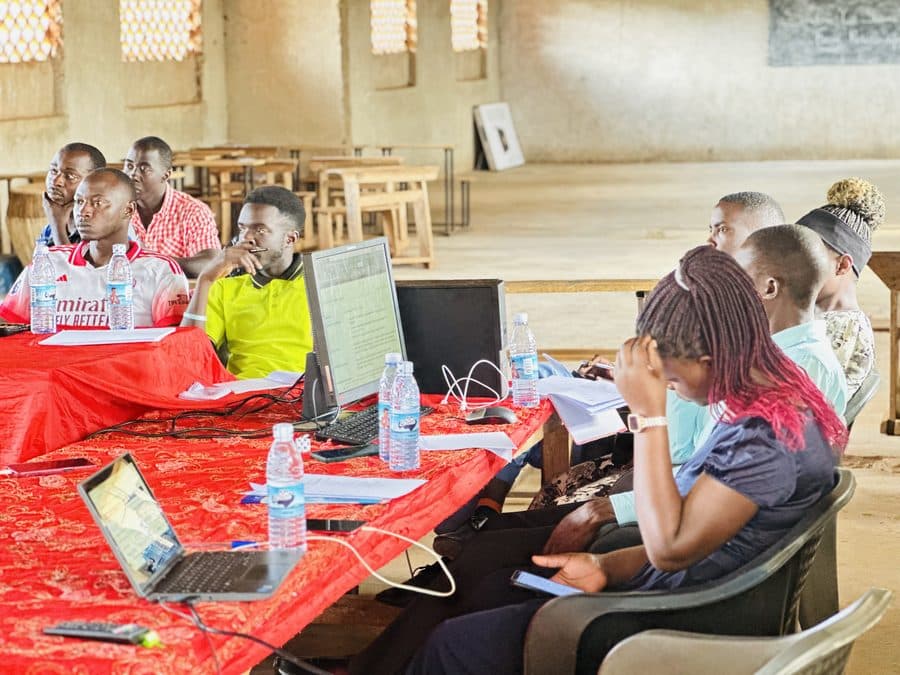
Real Trainees, Real Sessions
This curriculum is built and refined from real training sessions, not written in isolation. Group workshops feed directly into what the self-paced modules cover.
Hands-On, Not Theory
Every exercise happens inside a simulated environment where your actual clicks and choices are checked, not a quiz about what you should do.
Instant Self-Assessment
Right/wrong feedback as you go, plus a scored practical exam at the end of each module: no waiting on an instructor to grade anything.
Skill-Building, Not Certification
Completion earns a Skill Badge for your own record: practice and proof of competence, not an accredited qualification.